
Camera draws the Screen
This is on how to use the live camera picture to draw the screen.
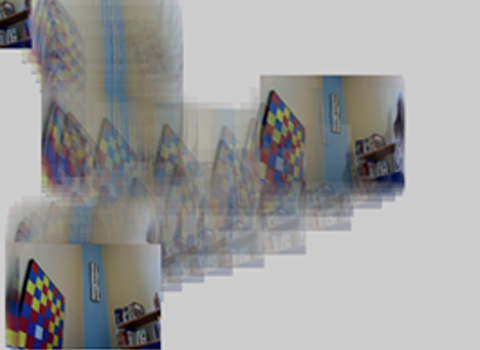
/**
 * Getting Started with Capture.
 *
 * Reading and displaying an image from an attached Capture device.
 */

//importiert die processing video library
import processing.video.*;

//erzeugt eine instanz der Klasse Capture mit dem namen cam
Capture cam;

void setup() {
  size(640, 480);

  // initialisiert das objekt indem es den construktor aufruft
  cam = new Capture(this, 320, 240);

  //gibt eine liste der vorhandenen Kameras aus, wenn man nicht die
  //Standart Kamera beutzen möchte...
  //String[] devices = Capture.list();
  //println(devices);

  // ...ändert man den Arrayplatz von devices[] zu dem gewünschtem
  //cam = new Capture(this, width, height, devices[0]);

  // öffnet die einstellungen für die initialisierte kamera
  //camera.settings();
}

void draw() {
  //wenn ein neues bild von der Kamera vorhanden ist...
  if (cam.available() == true) {
    //Kamerabild auslesen
    cam.read();
    //den tint der gezeichneten bilder auf 60% alphawert setzen
    tint(255, 60);
    //zeichnet das Kamerabild and er mouseposition mit halber originalgröße
    image(cam, mouseX-cam.width/4, mouseY-cam.height/4,cam.width/2, cam.height/2);
  }
}